How Many Keys Do I Need on a MIDI Keyboard? 25, 49, 61 or 88
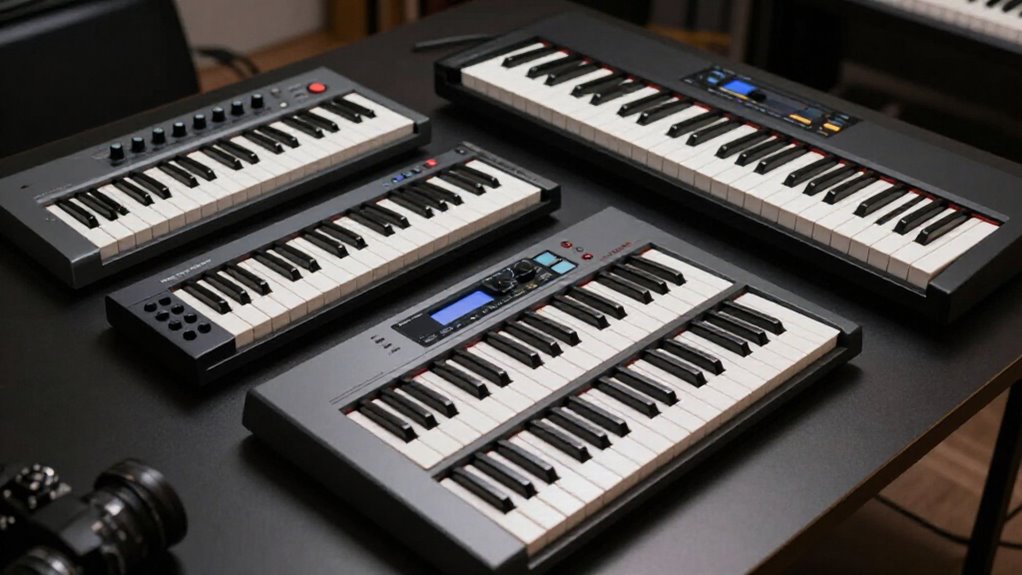
Choose 49 keys if you produce most styles: four octaves give you room for chords, bass, melodies, and two-handed ideas without dominating your desk.
Choose 25 keys only when portability and drum programming matter most. Move to 61 keys for wider piano parts, and pick 88 weighted keys for serious piano practice or classical repertoire.
Check desk space, full-size keys, DAW controls, USB/iPad support, and a sustain-pedal input. The details help you match your workflow.
49 Keys for Most Producers
For most producers, a 49-key MIDI keyboard hits the sweet spot. With four octaves, you can play chords, bass lines, and melodies comfortably without constantly reaching for octave buttons. That range supports two-hand parts and many popular songs, making it a friendly choice when you’re learning to arrange and record.
A 49-key controller also balances capability with practicality. It gives you more room than a 25-key model, yet takes less desk space and travels more easily than a 61-key keyboard. Many models include pads, knobs, faders, and transport buttons, so you can control software and shape sounds. Choose this size when you want one versatile controller for a compact studio. If you perform piano-focused pieces requiring broader ranges, larger keyboards may suit you better.
Identify Your Primary Workflow
Start by looking at what you’ll actually do with the controller most often. If you program drums, trigger samples, or sketch short melodies, a 25-key model’s two octaves should work well. You can shift octaves when you need notes beyond its immediate range.
If you write chords, bass lines, and melodies regularly, 49 keys give you four octaves without taking much desk space. Choose 61 keys for piano-focused writing and wider two-handed parts. An 88-key weighted controller suits classical or jazz repertoire, trained piano playing, or preserving technique.
In general, note-by-note programming favors compact keyboards, while live, expressive performance benefits from extra range, velocity sensitivity, and aftertouch. Think about whether you play parts in real time or enter them one note at a time.
Check DAW Control Mapping
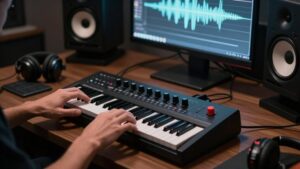
Before choosing by key count alone, check how the controller maps to your DAW. Knobs, pads, faders, and transport buttons can speed up recording, mixing, and programming more than extra notes can. A 49-key model may double as a compact control surface, often with 16 pads, eight knobs, nine faders, and transport controls.
| Feature | Why it helps |
|---|---|
| Pads and knobs | Trigger drums and shape sounds |
| Faders and transport | Mix tracks and control playback |
Check the included mappings and bundled software against your workflow. USB MIDI works with most setups; 5-pin MIDI helps if you connect older hardware. Compact 25- and 37-key controllers can still offer useful controls in small spaces. Velocity-sensitive pads and aftertouch add expression, but you don’t need them for every project.
Octave Range by Key Count
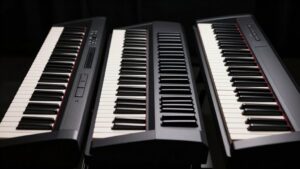
Your key count determines how much of the musical range you can play at once: 25 keys give you about two octaves, 49 give four, 61 give five, and 88 provide the full piano range. Smaller keyboards use octave-shift buttons to reach lower or higher notes, but you can’t play both ranges simultaneously. Choose enough octaves for the melodies, chords, bass lines, or piano parts you want to perform.
25 Keys: Two Octaves
A 25-key MIDI keyboard gives you two octaves, 24 semitone steps from the lowest key to the highest, making it a compact choice for drum programming, sample triggering, and quick bass or melody ideas.
You can use octave-shift controls to access notes above or below the available range, helping you record parts. However, shifting changes the available keys; you can’t play low and high shifted ranges at the same time. Many 25-key controllers use mini keys, so they fit in a backpack or on a desk. Portability works for travel and setups, but mini keys may feel less comfortable during sessions. If you enter notes one part at a time, this size can work well. For wide chords or two-handed playing, you’ll want a larger keyboard.
49 Keys: Four Octaves
With 49 keys, you get four octaves of playable range—enough space for bass lines, melodies, and many chord voicings without constant octave switching. This gives you substantially more room than a 25-key controller, so you can keep a left-hand bass pattern in place while playing chords or a melody with your right hand.
For beginners and early-intermediate players, four octaves handle many popular songs and two-handed parts comfortably. You can still use octave-shift buttons to access higher or lower notes when needed. However, shifting changes the whole keyboard range, so you can’t play notes from the shifted and original ranges simultaneously. A 49-key model also saves space: it’s usually 7 to 8 inches narrower than a 61-key keyboard, making desk placement and travel easier overall.
61 Keys: Five Octaves
Stepping up to 61 keys gives you five octaves of range, providing noticeably more space than a 49-key controller for two-handed playing. You can keep a left-hand bass or chord part in place while playing melodies, fills, or higher chords with your right hand. That extra octave also makes piano-focused writing more comfortable and reduces how often you need to press octave-shift buttons.
Octave switching still expands the notes you can reach, but it doesn’t replace physical keys when you need notes from separated octaves at once. For songwriting, arranging, learning keyboard parts, and many production setups, five octaves offer a practical balance of range and desk space. Plan for a workspace about 39 to 40 inches wide and 11 to 12 inches deep before you buy one.
88 Keys: Full Piano Range
An 88-key MIDI keyboard gives you the full piano range: seven octaves plus a minor third, from A0 to C8. This layout suits you if piano playing is central to your music. You can perform classical pieces, jazz voicings, wide left-hand bass lines, and high melodies without changing octaves. That matters when both extremes appear in the same passage; octave buttons on smaller controllers reach those notes, but they can’t make both ranges available at once.
Choose 88 keys when you want to play naturally, practice piano repertoire, or record complete performances rather than simply enter MIDI notes in a DAW. The tradeoff is size: full-length models need more desk or floor space and typically aren’t as portable as 25-, 49-, or 61-key options.
Weighted Keys for Pianists
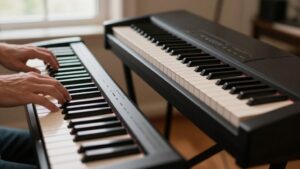
If you’re a pianist, weighted keys help you maintain the finger strength and control you use on an acoustic piano. Hammer-action models feel most realistic, and an 88-key version gives you the full range for demanding classical or jazz pieces. You can choose semi-weighted keys for a lighter, cheaper option, but consider your budget, space, and portability needs.
Why Weighting Matters
For pianists, weighted keys matter because they recreate the resistance of an acoustic piano’s hammer action, so your playing feels more familiar and controlled. You can build finger strength, shape dynamics more deliberately, and transfer techniques between your MIDI keyboard and an acoustic piano with less adjustment. If piano is your main focus, an 88-key controller with weighted action gives you the full range and a practice experience closer to the instrument you may perform on.
However, you don’t need weighted keys to begin learning. Lighter keyboards can cost less, fit smaller spaces, and travel more easily. Choose weighting when realistic piano response supports your goals, but don’t let it prevent you from starting. You can always upgrade after you know your needs better.
Hammer Action Differences
Hammer-action keys use added resistance to mimic the hammers of an acoustic piano, giving you a more familiar and controlled playing feel than light synth-action keys. Fully weighted models work best if you already play piano, want realistic practice, or write music around piano parts. Their resistance helps you shape dynamics and maintain the touch you expect from an acoustic instrument.
Semi-weighted keys offer a lighter, usually cheaper compromise. They’re easier to carry and may suit mixed production work, but they don’t reproduce an acoustic piano’s response as closely. You don’t need weighted keys to begin learning: an unweighted or semi-weighted keyboard can serve you well while you build basic skills over time. Upgrade when realistic piano feel becomes important to your practice.
Key Counts And Technique
An 88-key MIDI keyboard with fully weighted action gives pianists the closest match to an acoustic piano, supporting proper technique, dynamics, and full-range repertoire. If you play classical or jazz, the complete range lets you practice pieces without changing octaves or avoiding low and high notes. The heavier action also helps you maintain the finger control and strength you use on an acoustic piano.
You don’t need weighted keys to begin learning, however. A 49- or 61-key controller can teach notes, rhythm, chords, and coordination while saving space and money. Semi-weighted models offer a lighter, affordable compromise, but they won’t respond like a piano. Choose 88 weighted keys when piano playing is your priority. Choose an option when portability, budget, or production matters more.
Choosing Realistic Feel
If you already play piano or want an acoustic-like experience, choose fully weighted keys with hammer action. They most closely recreate the resistance and response of an acoustic piano, helping your practice feel familiar.
Semi-weighted keys provide a useful middle ground: they’re often less expensive and may suit a 61-key controller, but they won’t feel as piano-like. You don’t need weighted action to start learning piano; it simply supports more realistic practice and composition.
Many 88-key controllers include weighted keys, but key count doesn’t guarantee action. Check each model’s specifications, especially when comparing 61-key options. If possible, try keyboards in person. Your hands will tell you whether the action feels comfortable and natural for your playing style, technique, and the time you spend practicing.
Verify USB and iPad Support
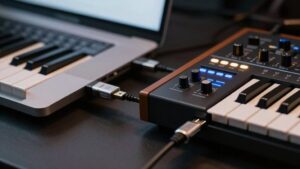
Before choosing a MIDI keyboard for iPad use, check its USB connection, iPadOS compatibility, and power requirements. Most keyboards connect to computers by USB, but ports differ. A model may use USB-C, USB-A, or another traditional USB connector, so match it to your iPad’s port. If they don’t match directly, choose an adapter or hub that accepts both connections.
Don’t assume USB alone makes a keyboard iPad-ready. Confirm that it supports iPadOS and sends MIDI to the apps you want to use. Also check power needs.
Small controllers often draw power from your iPad, while larger models may need a wall adapter. Knowing this beforehand helps you avoid connection problems when you start playing at home or on the go with confidence each time.
Budget for Sustain Pedal
Set aside room in your budget for a sustain pedal if you want piano parts to sound fuller and more expressive. Alongside choosing a keyboard with at least 49 keys, a pedal is one of the most useful beginner essentials. It lets notes ring naturally after you release the keys, adding depth to performances.
Don’t assume controller’s price includes one. MIDI keyboards range from roughly £50 to more than £1,000, and pedals are often sold separately. Before ordering, check that your model has a sustain-pedal input.
Some 49-key controllers omit it, while it is standard on 88-key models. Also confirm pedal compatibility in the specifications, because connector types and polarity can differ. Octave switching on a compact controller won’t provide the same musical control.
Avoid Mini Keys for Chords
Mini keys may save desk space, but they can make chords feel cramped and awkward to play. If you’re learning triads, seventh chords, scales, and wider voicings, full-size keys give each finger more room and help you build reliable technique. Mini keys on many 25-key controllers can also feel flimsy, so fast changes between shapes may be less comfortable.
- Choose full-size keys when chords are central to your music.
- Consider a 49-key controller: it offers four octaves and a comfortable chord-playing layout.
- Try compact models in person, if possible, and test your usual chord shapes.
Octave-shift buttons expand the notes you can reach across a small controller, but they don’t create extra physical space. You still can’t hold distant notes simultaneously as easily instead.
Measure Desk Width First
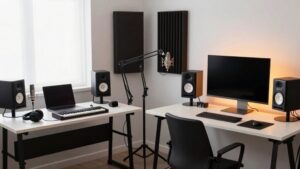
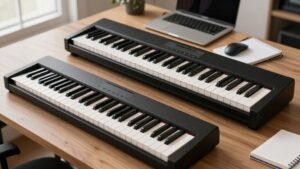
How much desk space can you realistically give your MIDI keyboard? Measure the usable width, not just the desk’s overall size. Your computer, speakers, mouse, and audio interface also need room. A 49-key controller measures about 32–33 inches wide, while a 61-key model spans roughly 39–40 inches, enough to change your setup.
- Choose at least a 35-inch-wide table area for 49 keys.
- Reserve a minimum of 42 inches for 61 keys.
- Check that a 61-key board, about 7–8 inches wider, won’t crowd your computer.
If space is limited, a 25-key controller usually fits directly on your desk. An 88-key model needs far more space, so you’ll likely want a dedicated keyboard stand instead. Measure before you buy, and avoid a cramped workspace every day.
Conclusion
Choose a MIDI keyboard for how you’ll actually make music. For most producers, 49 keys give you enough range for chords, bass, and melodies without crowding your desk. Pick 25 keys for portability, 61 for wider two-hand parts, and 88 weighted keys if you play piano seriously. Before buying, check your DAW mapping, USB/iPad compatibility, desk width, and pedal costs. Avoid mini keys when you want comfortable chords. Your workflow matters more than key count alone.