Is a 25 Key MIDI Controller Enough for Beatmaking and Production?
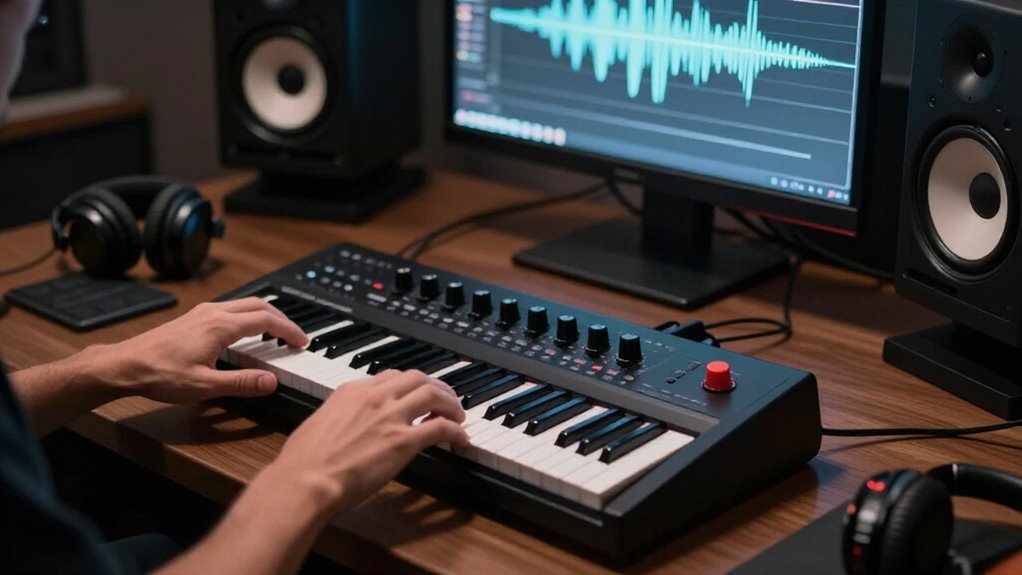
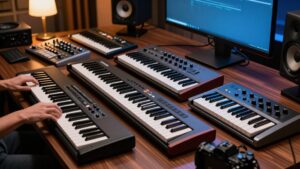
Yes, a 25-key MIDI controller is enough for you to build beats, basslines, melodies, and simple chords in a DAW. Velocity-sensitive pads let you finger-drum expressive kicks, snares, hats, and rolls, while octave buttons reach wider drum maps and registers.
Choose full-size keys if mini keys feel cramped, and confirm sustain-pedal and Ableton mapping support. You’ll want 49 keys for fluid two-handed parts, but practical trade-offs become clearer below as your workflow grows naturally.
25 Keys Suit Beatmaking
A 25-key MIDI controller suits beatmaking because you can program drum patterns, sketch basslines, and play simple chords or melodies without sacrificing much desk space.
That compact footprint keeps your gear within easy reach. On many models, eight velocity-sensitive pads let you finger-drum kicks, snares, hats, and percussion while the keys trigger bass notes, samples, or harmonic stabs. The Akai MPK Mini IV packs 25 mini keys, eight touch-sensitive pads, and eight assignable encoders into a 0.75 kg unit, so you can shape filter cutoff, resonance, or effects as you build loop. If you prefer DAW integration, the Nektar Impact LX25+ gives you synth-action keys, eight backlit pads, and mappable transport controls. You’ll spend less time reaching for the mouse and time capturing ideas.
Two-Octave Note Range
With two octaves under your fingers, a 25-key controller handles basic chord voicings, basslines, lead melodies, and drum-triggered parts effectively. That range keeps your desk portable and supports step-by-step construction: enter a chord, record a bass phrase, then layer a hook without reaching across a large keyboard. When an arrangement moves beyond the available register, use the controller’s octave-change buttons to access higher or lower notes. On models such as the Nektar SE25, six assignable buttons can manage those changes and other workflow commands.
Still, mini keys constrain two-handed performance and wide passages, particularly if you know full-size action. If you regularly arrange across several registers, a 49-key controller gives you more immediate notes while preserving a relatively compact studio footprint for daily work.
Switch Octaves While Programming Drums
Octave buttons extend a 25-key controller’s usefulness for drum programming, where kit pieces may sit far apart on the MIDI note map. A 25-key span covers just over two octaves, so shift ranges instead of hunting through your DAW’s piano roll. On an Akai MPK Mini IV, dedicated controls transpose the physical keys while your programmed notes remain intact. The Nektar SE25’s assignable buttons can perform the same job.
| Shift | Practical target |
|---|---|
| Down | Kicks and low percussion |
| Center | Snares and hats |
| Up | Cymbals, claps, and effects |
Build a quick routine: choose the octave, audition one reference hit, then record. The same key may trigger a kick in one range and a rimshot in another, so confirm the selected octave before recording a new pattern.
Mini Keys Versus Full-Size Keys
Mini keys save desk space and travel easily, but you may sacrifice playing comfort and note accuracy when programming detailed parts. Full-size keys give your hands more room and often provide a more natural, expressive response for longer sessions. Choose mini keys for portability or full-size keys when feel, control, and confident performance matter more.
Playing Comfort And Accuracy
Key size directly affects how confidently you can perform and program parts on a 25-key controller. Mini keys demand tighter finger control, so fast chord voicings or interval jumps can produce accidental notes if you’re accustomed to piano-width actions. Yet a responsive mini-key bed still lets you record velocity-sensitive basslines, melodies, drum patterns, and simple harmonies effectively.
Full-size, semi-weighted keys give each finger clearer landing space, which improves repeatability during overdubs and reduces fatigue for larger hands. Compare the Akai MPK Mini IV’s mini keys with the Alesis V25’s full-size action: their dimensions and resistance shape your timing and dynamics. Test both when possible; your hand span, technique, and preferred parts determine which layout delivers cleaner MIDI performances and faster edits in practice.
Portability And Desk Space
Beyond playing feel, the controller’s footprint determines how easily it fits your workflow. A 25-key unit keeps a laptop-based rig mobile and preserves precious desk real estate for an interface, pad controller, or monitor stand. The Nektar SE25 illustrates the scale: it weighs 0.73 kg and measures 329.9 × 171.9 × 40.8 mm, so you can store it in a drawer or carry it between sessions.
Mini-key designs shrink the package further. The Arturia MiniLab MkII measures 14 × 9 × 1.5 inches, fitting in a backpack beside a laptop. If your desk can support it, a 49-key controller gives you a wider note layout while retaining space for core studio gear. Choose 25 keys for compact beat input; test mini-key dimensions before committing. This comparison helps you build a workstation that stays uncluttered.
Expressive Control And Feel
Although a 25-key controller limits range, its keybed determines how naturally you can shape velocity, rhythm, and melodic phrasing. Mini keys make the controller easy to pack and leave room on a crowded desk, but they can feel cramped when your hands expect piano-width spacing. The Akai MPK Mini IV’s velocity-sensitive mini keys still translate playing force into useful dynamic changes for drums, bass, and leads.
If you’re trained on piano or prefer broader finger placement, the Alesis V25 gives you full-size, semi-weighted keys in the same 25-note format. They offer firmer resistance and familiar leverage, while synth-action mini keys reward quick travel sessions. The MicroLab Mk3’s springy action remains playable, but its sensitive touch strips can trigger accidentally, so map controls carefully there.
Two-Handed Chords Need More Keys
With only 25 keys, you’ll struggle to hold a bass note in your left hand while voicing full chords in your right. Frequent octave switching breaks your timing and separates the bass-and-harmony feel. If you play two-handed parts regularly, a 49-key controller gives you a practical range upgrade without consuming your desk.
Limited Two-Handed Voicings
A 25-key controller can feel cramped when you play a bass note in your left hand and a wide chord or melody in your right, because its just-over-two-octave range runs out quickly. That limitation becomes obvious with piano-style writing: a low root, extended voicing, and top-line may exceed available span. You can’t trigger every pitch of a broad two-handed chord at the moment if it requires more than 25 notes.
Instead, build the part in layers. Record bass first, then overdub the chord, or draw additional notes in your DAW’s piano roll. This approach works for production, where precision outweighs performance. But if you regularly play spread voicings in real time, a 49-key controller gives your hands the room to preserve the arrangement naturally.
Octave Switching Interrupts Flow
Octave buttons solve a range problem, but they interrupt your timing when a part jumps from low bass to high melody or uses wide two-handed chords. A 25-key controller covers only slightly more than two octaves, so your hands can quickly outrun its physical map. During recording, you must release notes, reach for a switch, and reorient yourself before continuing.
That break can flatten a bass-and-lead gesture, disrupt a chord change, or force you to program the passage in sections. You can use octave controls effectively for short motifs, drum parts, simple chords, and stepwise melodies; the Nektar SE25’s assignable buttons make that workflow flexible. But when you want to perform a sustained arrangement naturally, changing register becomes an operation rather than a musical decision.
When 49 Keys Help
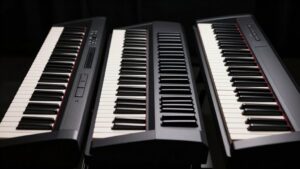
Forty-nine keys give your hands enough shared territory to hold chords, trigger bass notes, or answer a progression with a melody without constantly remapping the keyboard. You can voice a pad or piano chord in your left hand while your right hand plays a hook, stab, or counterline. That extra span keeps octave changes from breaking timing during recording.
| Task | Why 49 keys helps |
|---|---|
| Chords + bass | Keeps both roles playable |
| Chords + melody | Reduces octave switching |
A semi-weighted model such as the M-Audio Oxygen Pro 49 gives you a middle ground. You gain range for arranging, yet avoid the footprint and cost of 61- or 88-key controllers. Choose it when two-handed ideas drive your beats, but desk needs room for monitors, pads, and an interface.
Finger-Drumming With Velocity Pads
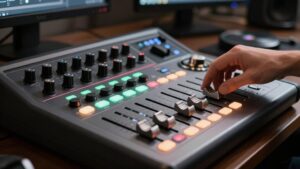
Finger-drumming makes a 25-key controller far more capable for beatmaking, because velocity-sensitive pads translate the force of each strike into dynamic drum hits. You can tap soft ghost notes on snares, hit kicks, and build grooves that avoid the rigid feel of mouse-programmed patterns. The Akai MPK Mini IV packs eight full-sized, touch-sensitive MPC-style pads into its compact format, giving you a layout for drum sounds.
Its Note Repeat control also lets you generate hats, rolls, or pulses while you hold a pad. Arturia’s MiniLab MkII offers eight RGB pads for visual kit mapping. The Alesis V25 adds pressure- and velocity-sensitive pads, but reported double-triggering and limited velocity range may reduce expressive control. Assign pads consistently, record passes, then tighten timing where needed.
Check Sustain-Pedal Support
Check sustain-pedal support if you want to hold chords, bass notes, or sampled instruments naturally while both hands stay on the 25 keys. A dedicated ¼-inch input lets you latch MIDI CC 64 from a real pedal, turning limited range into longer, playable phrases. Arturia’s MicroLab Mk3 includes this input, while Novation’s FLkey Mini offers sustain-pedal output alongside mini keys and FL Studio controls.
| Option | What you verify |
|---|---|
| Pedal jack | Connect external sustain |
| Mappable control | Assign CC 64 |
| No jack | Confirm DAW mapping |
Before buying, inspect specifications; don’t assume every compact controller accepts a footswitch. Sustain sends MIDI continuous-controller CC 64, so map it to a knob, pad, or key when necessary. However, a pedal keeps your hands free for voicings and drum edits.
Expecting Built-In Sounds
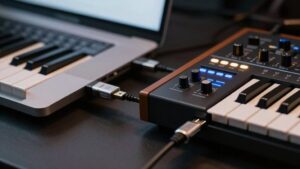
Unlike a standalone keyboard or synth, a typical 25-key MIDI controller doesn’t generate audio—it sends note and control data to a computer, compatible synthesizer, or rack sound module. MIDI itself carries instructions, not samples or speaker output. To hear a beat, route the controller into a DAW with a virtual instrument, or connect it to compatible hardware.
- Check included software instruments before you buy; specs and key count reveal nothing about onboard audio.
- Install bundled tools, then authorize their licenses.
- Use headphones or monitors connected to your computer or sound module.
- Consider packages such as Akai MPK Mini IV, whose included instrument supplies over 1,000 sounds.
That distinction prevents a silent first session and helps you budget for the sound source you need.
Test Ableton Live Mapping First
Why test Ableton Live mapping before buying? Because a 25-key controller only speeds your beatmaking if its hardware controls reach the Live commands you actually use. Check for native integration or a compatible mapping script, since support changes across DAWs.
In Live, test transport buttons for playback and recording, pads for triggering Drum Rack beats, and knobs for macros, volume, or effects. The Launchkey Mini Mk4 targets Ableton with an OLED display, pitch and modulation touchstrips, and an arpeggiator. The MiniLab MkII offers 16 assignable encoders and eight RGB pads. If default assignments feel restrictive, open the manual and Live’s MIDI Preferences. You can often map controls yourself, ensuring the compact keyboard supports your exact workflow rather than forcing you into mouse-heavy workarounds later.
Conclusion
A 25-key MIDI controller gives you enough range for beatmaking, bass lines, melodies, and programmed drums, especially when you switch octaves quickly. Choose full-size keys if you play often, or mini keys if portability matters. You’ll want more keys for two-handed chords and performance parts.
Velocity pads improve finger-drumming, while sustain-pedal support expands expression. Don’t expect built-in sounds: your DAW supplies them. Before buying, test Ableton Live mapping and confirm the controls fit your workflow.